 listicle
What AI Software Can Actually Run on Your Windows PC?
Last Updated: October 27, 2026
Quick Summary
AI software for PC splits into three types: desktop chat apps that connect to cloud AI, local models that run inference on your hardware, and Windows agents like Able that automate files locally while using cloud brains for chat. Most AI software for PC requires internet for chat and research, but file organization and automation can work without it.
- Desktop chat apps run on your PC but process thinking in the cloud through services like Claude, Gemini, and Grok.
- Able is a Windows agent that organizes files, runs terminal commands, and manages vault passwords locally without internet.
- Local models like Ollama and LM Studio run inference entirely on your hardware with no cloud connection needed.
- Able's file work stays on your PC; only chat queries travel to cloud brains over the internet.
- Able offers a 3-day trial with no credit card required to test file automation and vault security.
Table of Contents
- What AI Software Actually Runs on Your Windows PC
- Best AI Software for PC: Desktop Apps and Agents
- AI Apps for Windows 11: What You Can Install Today
- How to Run AI Models Locally on PC
- Windows AI Agent for Files: Automation Without the Browser
- Privacy, Data Handling, and Offline Capability
- Start Using AI on Your Windows Machine
- Frequently Asked Questions
What AI Software Actually Runs on Your Windows PC
The gap between what people think runs locally on Windows and what actually does is wider than most realize. When you hear "AI software for PC," you might picture a tool that processes everything on your machine without phoning home. The reality splits into three categories: desktop apps that chat with cloud brains, agents that automate your files locally, and local models that run inference on your hardware.
According to the Stanford 2026 AI Index Report, the estimated annual value of generative AI tools to U.S. consumers reached $172 billion by early 2026, but that figure lumps together cloud services, local tools, and everything in between. For Windows users deciding what to install, the real question is simpler: what can actually run on my machine, and what does it cost to keep it running?
Desktop apps versus AI PCs versus agents
Desktop AI apps are programs you download and run on your existing Windows PC. They connect to cloud AI models (Claude, Gemini, Grok, Kimi) over the internet. Your PC is the interface; the thinking happens elsewhere.
AI PCs are new hardware with a dedicated neural processing unit (NPU). Manufacturers claim they unlock local AI inference, but the marketing often oversells the reality. Most AI PCs still lean on cloud models for serious work because the on-device processing is limited. Newegg's 2026 AI PC buying guide describes a true AI PC as having an NPU capable of at least 40 TOPS (trillion operations per second), though real-world performance varies.
AI agents like Able sit between those two. Able is a Windows file and terminal agent from Apex Empire Inc. It runs locally on your PC, organizing files, finding documents, executing commands, without sending your data to a cloud brain. When you need chat or research, Able connects to cloud models. The vault feature keeps passwords and credentials on your machine; the model never sees them. Able is one-time software, not a subscription. The license starts at $79, and you pay only for cloud thinking when you use it.
The key split: Able is not Ollama, LM Studio, Jan, or Open Interpreter. Those run local AI models, the weights and inference all happen on your hardware. Able is the Windows agent that moves files after you say yes. Chat needs internet; file work doesn't.
What stays local and what needs the internet
File organization, terminal automation, and vault management on Able all happen without leaving your PC. Your files never travel to a server. Your vault passwords stay on your machine. That's the draw: you keep control.
Chat and research require internet. When you ask Able a question, it sends that query to a cloud brain and returns the answer. You're renting the thinking; Able is the drill. Most desktop AI apps work the same way: the software runs locally, the AI runs in the cloud.
Local models process everything on your hardware.
For Windows users, the practical choice usually comes down to: Do you want a chat interface that connects to cloud AI, a file agent that works without the internet, or a local model? Able is a file agent that works without the internet.
Best AI Software for PC: Desktop Apps and Agents
A browser tab is one way to use chat tools. Able is a Windows desktop agent that can organize and find files, run the terminal, and type vault logins after you say yes. Discover specific local AI tools that run on Windows to see how Able compares to other desktop solutions.
Chat and research tools
Desktop chat apps give you a dedicated window for AI conversation.
Able includes a chat tab. You ask questions, Able connects to a cloud brain, and the answer comes back. Able's chat sits alongside its file agent, vault, and terminal access. One tool handles files, automation, and conversation.
File organization and automation
Able can organize files and downloads after you approve the action.
The automation runs without internet. Your files never leave your PC. You say yes, Able executes.
AI Apps for Windows 11: What You Can Install Today
For broader AI software for PC, you have options:
Download a desktop chat app, install a local model if your hardware supports it, or use Able, a Windows 10/11 agent that organizes and finds files, runs the terminal, and types vault logins after you say yes. Able offers a 3-day trial with no credit card.
The choice depends on what you need. If you want chat, a desktop app is one option. If you want to organize and find files, run the terminal, and type vault logins after you say yes, Able is a Windows agent. If you want a model running on your hardware, a local model is another option.
How to Run AI Models Locally on PC
Running a full AI model on your PC means downloading the weights, loading them into memory, and running inference on your hardware.
Local processing versus cloud brains
Local models run inference on your hardware.
Able's file work is local; chat is cloud. The model never sees your vault password. Chat queries go to cloud brains over the internet.
System requirements and performance
Able runs on Windows 10 and 11. Chat and research require internet. File organization, terminal commands, and vault access work without internet.
Chat and research in Able use cloud brains over the internet; file organization, terminal commands, and vault access work locally.
Windows AI Agent for Files: Automation Without the Browser
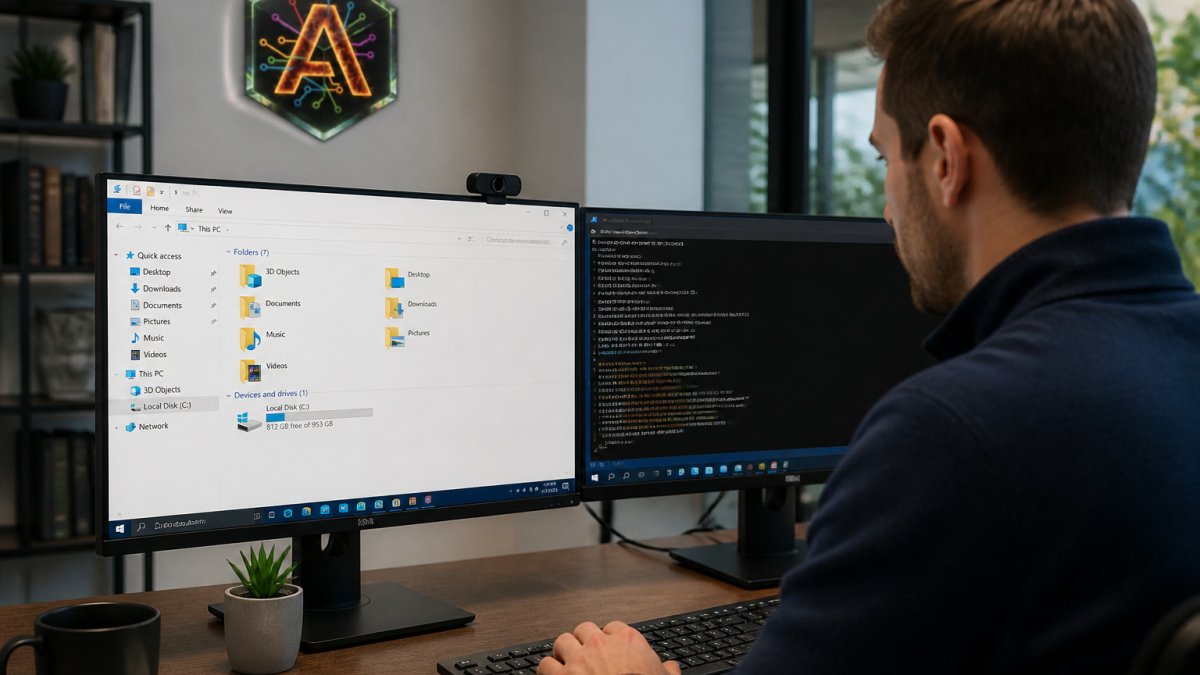
Able is a Windows file agent that can organize and find files after you say yes.
What a file agent does differently
Able can organize and find files after you say yes.
Able combines file organization with a terminal runner. You can run terminal commands on your PC after you say yes.
Privacy and vault security on your machine
Able can type vault logins from Septaguard on this PC after you say yes. The model never sees the vault password.
Your vault passwords stay on this PC, and the model never sees them.
Privacy, Data Handling, and Offline Capability
AI software for PC comes in layers. Able's chat and research require internet; its file organization, terminal commands, and vault access work without internet.
Able is not fully offline. File organization, terminal commands, and vault access work without internet; chat and research require internet because they connect to cloud brains.
Other tools make different choices. Able's file organization, terminal commands, and vault access work without internet; chat and research use cloud brains over the internet.
The question most people ask: Is my data actually private? For Able, the answer is yes for files, vault, and terminal work. Your files don't travel to a server. Your passwords stay on your machine. Your terminal commands run locally. Chat queries do go to the cloud, you're renting that thinking. Get a deeper reality check on whether local AI truly delivers the privacy benefits if you want to understand the full landscape.
For other desktop AI apps, the answer depends on the tool. Read the privacy policy. Ask where data is stored.
Start Using AI on Your Windows Machine
The first step is deciding what you need. For chat and research, try Able's chat tab. To organize and find files, run the terminal, and type vault logins after you say yes, Able is a Windows agent. For a model that runs on your hardware, explore a local model.
Compare desktop AI tools for Windows to understand how different solutions stack up and see where Able fits your workflow. Most people find that file automation and vault security are the features they didn't know they needed until they tried them.
Download and try Able risk-free before committing to running AI on your Windows PC. The 3-day trial requires no credit card. You get full access to file organization, terminal running, vault, and chat. If it fits your workflow, the one-time license is straightforward. If it doesn't, you've lost nothing.
Able is a Windows agent that organizes and finds files, runs the terminal, and types vault logins after you say yes. File and vault work happen on your PC; chat and research use cloud brains over the internet.
Windows AI agents are becoming standard. The choice is whether you want a tool that automates your files, keeps your credentials safe, and runs on your machine. With Able, you get all three. Get started with a 3-day trial, no card required, and see how file automation and local vault security change your workflow. GET ABLE
| Feature | Desktop Chat Apps | Local Models | Able |
|---|---|---|---|
| Chat & research | Cloud-powered, fast | Local, slower | Cloud-powered, fast |
| File automation | No | No | Yes, local |
| Vault security | No | No | Yes, on-device |
| Terminal commands | No | No | Yes, local |
| Internet required | Yes, always | No | Partial (chat only) |
| Setup complexity | Simple | Moderate | Simple |
| One-time cost | Varies | Free | Starts at $79 |
Frequently Asked Questions
Can I run AI software on my Windows PC without an internet connection?
It depends on the type of AI software. Able is not fully offline: file organization, terminal commands, and vault access work on your PC without internet, while chat and research use cloud brains over the internet. Able's vault password is not seen by the model.
What is the difference between a Windows AI agent and other AI software for PC?
Able is a Windows agent that organizes and finds files, runs the terminal, and types vault logins from Septaguard on this PC after you say yes. Chat and research use cloud brains over the internet.
How do I know my credentials and sensitive data stay private with a Windows AI agent?
With Able, vault passwords stay on this PC, and the model never sees them. Able can type vault logins from Septaguard on this PC after you say yes. File organization and terminal commands run locally. Chat and research use cloud brains over the internet.