
 Comparison
Best Way to Manage Logins for AI Setup on Windows
Quick Summary
The safest way to manage logins for AI setup on Windows is to store each credential once in a vault, scope the agent's folder access, and require your approval before any login is typed. Able, a Windows desktop agent from Apex Empire Inc., keeps its vault on the PC and types logins only after you say yes, so the model never receives the vault password.
- Store each login once with a unique password so you never paste secrets into a prompt.
- Give the agent access only to the folders a task needs, not your whole user profile.
- Require confirmation before any login, deletion or outbound transfer runs.
- Review the action history after a test session to confirm what was opened or typed.
- Rotate any credential the agent used during testing, then confirm you can revoke access quickly.
Table of Contents
- Why AI Setup Puts Your Logins at Risk
- What to Look for in a Password Manager for AI Agents
- Passkeys vs Two-Factor Authentication for AI Accounts
- AI Agent Credential Security Best Practices
- Comparing Password Managers: 1Password, Bitwarden, NordPass, Zoho Vault
- A Step-by-Step Secure Setup Workflow
- Start Your 3-Day Trial and Set Up Your Vault Today
- Frequently Asked Questions
Why AI Setup Puts Your Logins at Risk
Setting up an AI tool on a Windows PC often means handing it access to accounts, API keys and saved passwords, so learning to manage logins carefully is where most people quietly take on risk.
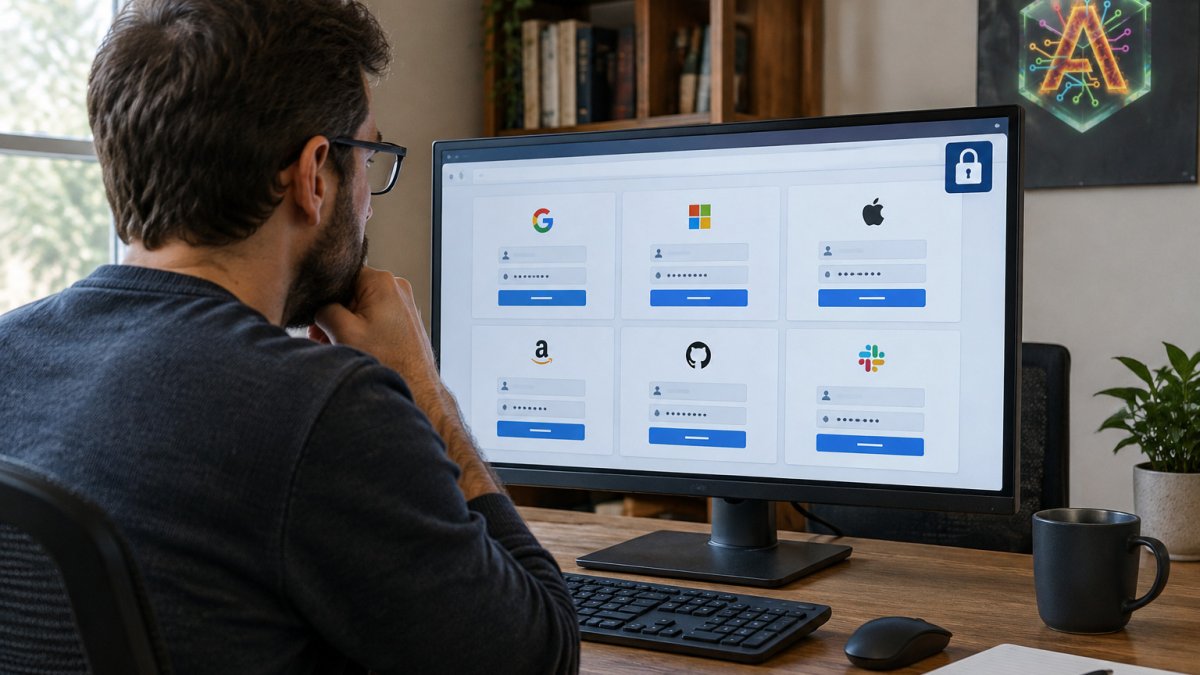
Most AI assistants live in a browser tab and only see what you paste in.
Able is built around that split. After you say yes, it can organize and find files, run terminal commands and type logins from a vault on the same PC.
What to Look for in a Password Manager for AI Agents
A password manager keeps AI setup from turning into a scattered pile of sticky notes and reused passwords, and it gives you one place to manage logins for every tool you connect.
Start with encryption: look for zero-knowledge, end-to-end encryption, meaning the provider cannot read your vault.
Watch out: a manager that only offers a browser extension may not help with desktop tools or command-line installers, which is where many AI setups actually stall.
Passkeys vs Two-Factor Authentication for AI Accounts
Passkeys and two-factor authentication both protect AI accounts, but they solve different problems. Passkeys replace the password with a cryptographic key tied to your device, which makes phishing much harder. Two-factor authentication adds a second check, usually a code or app prompt, on top of a password you still use.
For AI accounts, passkeys are the stronger option where the service supports them; enable two-factor authentication everywhere else.
AI Agent Credential Security Best Practices
Good credential hygiene for AI agents comes down to limiting what the agent can see and requiring a human to say yes at the right moments.
- Scope folders. Give the agent access only to the folders a task needs, not your whole user profile.
- Require approval for sensitive actions. Logins, deletions, and anything that sends data outward should wait for your confirmation.
- Keep secrets out of chat. A vault that types credentials directly is safer than pasting a password into a prompt.
These steps are not exotic.
Able's vault stays on this Windows PC, and the agent is designed to type logins only after you approve the action. That keeps the credential path short and visible.
Comparing Password Managers: 1Password, Bitwarden, NordPass, Zoho Vault
Each of these managers can store the logins an AI setup needs, but the real question is whether a credential can be handed to an AI agent safely. A manager that autofills a browser tab is not the same as one that can scope, approve, audit, and revoke access for a desktop agent that runs terminal commands. The table below scores each on the criteria that matter for AI setup.
| Manager | Security Model | Agent-Ready Credential Path | Best For | Watch-Out |
|---|---|---|---|---|
| 1Password | Encrypted vault, broad device support, passkey support | Strong for human autofill and team sharing; agent handoff typically requires a separate approval layer | Polished cross-device logins and team vaults | Consumer autofill is not the same as scoped agent access |
| Bitwarden | Zero-knowledge, end-to-end encryption (AES-CBC 256-bit) | Strong storage and sharing; programmatic access needs careful scoping | Security-focused users and self-hosters | Plan details and AI-specific integrations were not verified in the sources reviewed |
| NordPass | Paid manager with premium and business features | Solid for individuals and teams; no verified AI-agent integration | Individuals and teams wanting paid features | Editors' choice recognition (PCMag) does not equal agent readiness |
| Zoho Vault | Cloud-based vault with credentials and passkeys | Good for organizational credential sharing | Individuals and organizations with cloud use | Cloud storage may not fit anyone who wants a vault that stays on the PC |
- 1Password works well for a polished, cross-device experience and team sharing. The research did not confirm a specific integration with AI setup tools, so treat agent handoff as a separate design decision.
- Bitwarden stands out for zero-knowledge encryption and self-hosting. Its plan details were not confirmed in the sources reviewed, and programmatic access still needs scoping.
- NordPass earned an editors' choice recognition for paid managers, according to PCMag, but shows no verified AI-specific integrations.
The criteria that separate consumer autofill from agent-ready access
For AI setup, five criteria matter more:
- Scoped credentials. Can the manager issue a credential limited to one account or task, rather than exposing the whole vault?
- Human approval gates. Does a login, deletion, or outbound transfer wait for a human yes, or does the agent act autonomously once connected?
- Audit trail. Can you see what was opened, typed, or changed after a session, in a log you can review?
- Revocation speed. How long to cut off an agent's access if something goes wrong, seconds, minutes, or a support ticket?
- Rotation support. Does the manager make it easy to rotate a credential after testing, or does rotation mean manually updating every place the secret was used?
Where Able's vault fits into the picture
Able's vault holds the logins an agent needs, and Able types them into sign-in forms on this Windows PC only after you say yes. The model never sees the vault password. Able is not a password manager you install alongside an AI, and it is not fully offline, so chat and research still run through cloud brains.
Whichever manager you pick, check that it can store your AI account credentials securely, that it fits your Windows workflow, and that it gives you a clear way to scope, approve, audit, and revoke agent access. Pair it with a tool that keeps the agent's permissions narrow, and review what Able does and does not guarantee before you store your first login.
A Step-by-Step Secure Setup Workflow
A careful setup takes less than an hour and keeps logins contained. Each step below names the threat it addresses, the mechanism that reduces it, and the outcome you can check before moving on.
The threats this workflow is designed to reduce
Before the steps, name the risks. A credential used with an AI agent can fail in four common ways:
- Prompt injection. A malicious instruction hidden in a file or web page tricks the agent into sending a secret outward.
- Secret leakage in logs. A password or API key ends up in a chat history, terminal log, or action history that is later read or shared.
- Excessive permissions. The agent can reach more accounts or folders than the task needs, so a mistake has a wider blast radius.
Each step below maps to one or more of these threats. If a step does not reduce a named threat, it is not doing security work, it is just ceremony.
The workflow
- Inventory the accounts and name the threat. List every service the AI will touch, such as email, cloud storage, and developer tools. For each, write the worst outcome if that credential leaked, that is your threat model.
- Enable passkeys or two-factor authentication on each account where available, reducing the value of a stolen password.
- Move credentials into one vault, one login each. Store each login once with a unique password so there is no reason to paste a password into a prompt.
- Scope the agent's folders and accounts. Grant access only to the directories and accounts the first task needs.
- Set approval gates. Require confirmation before any login, deletion, or outbound transfer, the main defense against prompt injection.
- Run a small test task and check the audit trail. Organize one folder or find one file, then review the action history to confirm what was opened, typed, or changed.
- Rotate and revoke. After the trial, rotate any credential the agent used and confirm you can revoke access in seconds rather than through a support ticket.
Watch out: step 5 is the one people skip. An agent that can log in without approval is not a convenience feature, it is an autonomous actor with your credentials, and prompt injection is designed to exploit exactly that.
Measurable outcomes to check before you connect anything sensitive
A setup is only as good as what you can verify. Track these numbers as you go, because they turn a vague sense of security into something you can compare against the next tool you try:
| Outcome | What to measure | Target |
|---|---|---|
| Time to onboard | Minutes from install to first approved task | Under 30 minutes |
| Manual secret transfers | Number of times you paste a password or key into a prompt | Zero |
| Access review effort | Minutes to review the action history after a session | Under 5 minutes |
| Time to revoke | Seconds from decision to confirmed revocation | Under 60 seconds |
| Credentials rotated after testing | Count of test credentials still valid | Zero |
If any of these numbers is worse than the target, fix it before you connect a real account.
How Able supports this workflow on Windows
After you say yes, Able can organize and find files, run terminal commands, and type logins from a vault on the same PC. The model itself does not receive the vault password, which reduces secret leakage in chat histories.
To see how the agent is built and where the boundaries are, read how Able works and review what is and is not guaranteed before you store your first login.
Start Your 3-Day Trial and Set Up Your Vault Today
Able can be tested before you commit. The trial lasts three days and needs no credit card. License is one-time from $79, not a monthly desktop subscription. Use the trial to run the workflow above with a low-risk account before you connect anything sensitive.
To start, visit Able's trial page and download the Windows app. Then read how the agent is built and review what is and is not guaranteed before you store your first login.
Frequently Asked Questions
Is it safe to give AI login credentials?
Only if the credentials never pass through the AI model itself. With Able, the agent types vault logins into the target site after you say yes, and the model never sees the vault password. Chat and research still run on cloud brains such as Claude, Gemini, Grok or Kimi over the internet, so keep sensitive credentials out of chat prompts entirely. Before granting any AI access, check whether the tool stores secrets locally, whether it logs typed input, and whether you can revoke access quickly. Treat every AI agent as a process that needs least-privilege access to only the accounts it needs for the current job.
What password manager is recommended for AI agents?
The right choice depends on whether you need a team vault, passkey support or a single-user vault that is easy to keep local. For AI setup specifically, look for a manager whose autofill or vault typing can be triggered by the agent without exposing the master password to the model. Able pairs with a Septaguard vault on your Windows PC, so logins are typed locally after you approve each action.
Are passkeys really more secure than 2FA?
Passkeys are generally considered stronger because they are bound to the device and the site, so they resist phishing in a way that one-time codes do not. Two-factor authentication still adds protection on top of a password, and it is far better than password-only sign-in. For AI accounts, use a passkey wherever the service offers one, and enable a second factor on every account that does not. Keep recovery codes stored in your password manager, not in a chat window or a plain text file on the desktop.
Can a password manager limit which credentials an AI agent can access?
Some password managers offer role-based access, team permissions and audit logs. Able takes a simpler approach for a single Windows user: it only types logins from the vault after you say yes, so each sign-in is an explicit decision you can see. Review which accounts are stored in the vault before setup, remove anything the AI does not need, and rotate passwords if you ever revoke access. Able's 3-day trial needs no card, so you can test this workflow before paying a one-time license from $79.