 Comparison
Desktop AI Agent Reddit: What Users Actually Run
Last Updated: November 11, 2026
Quick Summary
A desktop AI agent is software that acts on your computer, such as organizing and finding files, running terminal commands, and typing vault logins, rather than just answering questions in a chat window. Able is a Windows 10/11 example that performs these tasks on your PC after you approve them. Its cloud-based chat and research need an internet connection.
- Able runs on Windows 10 and 11 and acts on this PC only after you say yes.
- Able's chat and research use cloud models, so it is not fully offline.
- Organizing, finding and vault work run without a brain, but chat needs internet.
- Keep sensitive prompts out of cloud chat, since they leave your machine.
- Start with a bounded test using the 3-day trial, which requires no card.
Table of Contents
- What Reddit Users Mean by a Desktop AI Agent
- Local vs Cloud: Where Desktop Agents Actually Think
- Is Local AI Actually Private on Your PC?
- How Screen-Clicking Agents Perceive and Act
- Desktop AI Agent Security: Sandboxing, Vaults and Approval
- Best AI Agents for Personal Use in 2026
- Choosing a Desktop AI Agent for Your Windows PC
- Frequently Asked Questions
What Reddit Users Mean by a Desktop AI Agent
Reddit users searching for a desktop AI agent usually want software that does work on their computer, not just a chat window that answers questions. Able is a Windows 10/11 desktop agent from Apex Empire Inc. that organizes and finds files, runs terminal commands, and types vault logins on this PC after the user says yes. That split between acting and advising is what separates a desktop agent from a chat tab.
Desktop agents are moving from answering questions toward executing tasks, which is the behavior this guide focuses on.
Local vs Cloud: Where Desktop Agents Actually Think
A desktop agent has two parts: the hands that touch your files and the brain that decides what to do. Able's hands run on your Windows PC. Its brain for chat and research runs in the cloud, using models such as Claude, Gemini, Grok or Kimi, over the internet. Fuel pays for that cloud thinking.
This matters because Able is not fully offline. Organizing, finding and vault work run without a brain, but chat and research need internet access. Users who search for "local AI" or "offline agent" should expect that split. Read more about how Able's Windows agent is built at https://uable.store/windows-desktop-ai-agent/.
Why Local Models Alone Are Not an Agent
Running a model on your own machine is different from having an agent that acts on that machine. Tools such as Ollama, LM Studio and Jan run local models, and Open Interpreter executes code, but none of them is the same as a Windows file, terminal and vault agent. A model that only generates text cannot find a file or type a password into a login form.
Able is the Windows file agent. It does the job after approval, and it uses a cloud brain when a task needs reasoning. Choosing between local and cloud thinking is less important than checking whether the software can actually perform the action you need.
Is Local AI Actually Private on Your PC?
Local processing keeps some data off the internet, but privacy depends on what the agent can reach and what it sends out. Before trusting any desktop agent with client files, check which folders it can access and whether chat requests leave the machine.
Able's design limits exposure. Vault passwords are typed locally on this PC, and the model never sees the vault password. Chat and research do go to cloud models, so sensitive prompts should be kept out of them. For a deeper look at what local AI protects and where data still leaks, see https://uable.store/notes/why-able/ and the trust details at https://uable.store/trust/.
How Screen-Clicking Agents Perceive and Act
Some desktop agents work by reading what is on screen and clicking where a human would. They capture the display, identify buttons and fields, then send mouse and keyboard input. This approach can reach software that has no API, which is why it comes up so often in Reddit threads about legacy apps. For a practical checklist, learn how to keep AI files private on Windows.
Able works through files, the terminal and the vault, so check the result afterward for any task you run on this PC.
For a fair view of what Able covers and where it stops, see https://uable.store/windows-desktop-ai-agent/. Able is a Windows file, terminal and vault agent that you can test for 3 days at https://uable.store/trial/.
Desktop AI Agent Security: Sandboxing, Vaults and Approval
Security is the main concern Reddit users raise about desktop agents, and most threads stop at fear. The more useful question is how to limit what an agent can touch before you ever give it a job. A practical setup has four layers: scope, approval, credential isolation, and a review trail.
Scope first. Decide which folders the agent can read and write before you start. For Able, that means choosing the directories it can organize or search, rather than granting access to your whole user profile. A common pattern is a dedicated working folder for agent tasks, with personal documents kept outside it. Able works inside the folders you select, so the boundary is set by you, not by the model.
Approval per job. Able asks for your yes before it runs a job on this PC. Treat that prompt as a real checkpoint: read the plan, check the target paths, and only then approve. Watch out: approving a broad request like "clean up my drive" gives the agent more room than a narrow one like "move PDFs older than 90 days from Downloads to Archive."
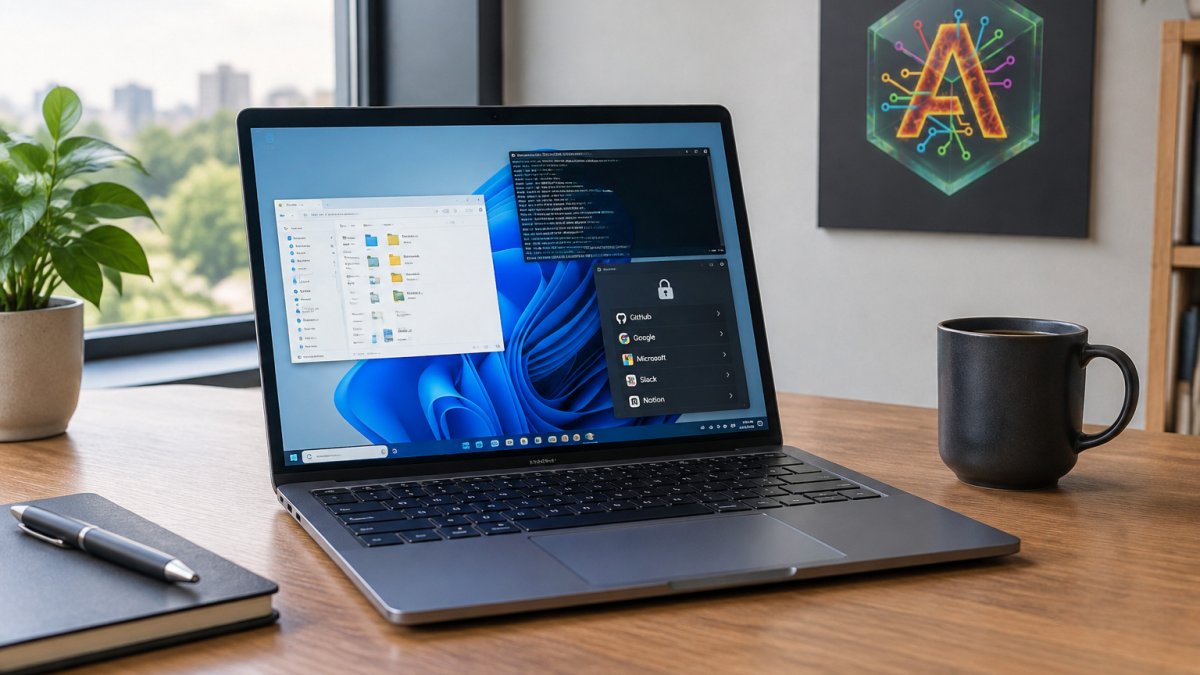
Credentials stay out of the model. Vault logins are typed by Able on the PC, and the model never sees the password. This separates what the agent can do from what the agent knows. Keep the vault for the logins you genuinely need the agent to use, and leave high-value accounts out of it.
A review trail. After a job, check what changed. If something moved that you did not expect, you have a clear record to work from.
This layered approach is what makes Able a controlled tool rather than an open-ended one. You are able to hand off real work while keeping each boundary in your own hands. For how Able's access model is documented, see https://uable.store/trust/ and https://uable.store/notes/why-able/. To start with a bounded test, use the 3-day trial at https://uable.store/trial/, which requires no card.
Best AI Agents for Personal Use in 2026
Able is a commercial Windows product with a one-time license and a 3-day trial that requires no card. If your priority is file, terminal and vault work on a Windows PC, Able is built for that job. Lapu.ai ships for Mac, which Able does not support. For a fair side-by-side, see https://uable.store/vs/lapu/.
Best for: Windows users who want an agent that acts on files, terminal and vault logins after they approve each job.
Skip if: You need a fully offline setup, a Mac or Linux version today, or a tool that only chats.
Here is how the main options compare on the points the article itself makes.
| Tool | Best for | Key difference |
|---|---|---|
| Able | Windows users who want file, terminal and vault work | Acts on this PC after approval |
| Lapu.ai | Mac users | Ships for Mac, which Able does not support |
| Able (offline use) | Organize, find and vault work | Runs without a brain; chat needs internet |
Choosing a Desktop AI Agent for Your Windows PC
Start by listing the tasks you want done: organizing Downloads, finding documents, running scripts, or filling in logins. Then check whether each candidate can perform those actions after approval, which chat-only tools cannot do.
Next, check the cost model. Able is a one-time license, with cloud usage fuel paying for chat and research. Current pricing and terms are on the store at https://uable.store/#pricing. You can test the software for free for 3 days at https://uable.store/trial/ before committing.
Able makes the agent part of your Windows routine: it does the job after you approve it, and you stay in control. Get started at https://uable.store/trial/ and see how much work you are able to hand off.
Transparency rules for AI agents interacting with people under Article 50 of the AI Act
Digital Applied analysis of AI-driven time savings in US work hours, 2026
Reddit discussion of automation case studies and AI agent prevalence, 2026
Frequently Asked Questions
Is it possible to run AI agents from your PC?
Yes, but most desktop AI agents split the work. The agent runs on your PC and handles files, terminal commands and app actions after you approve them. The reasoning usually happens in a cloud model such as Claude, Gemini, Grok or Kimi, which needs an internet connection. Fully local setups exist through tools like Ollama or LM Studio, but those run models rather than executing tasks on Windows. Able, for example, runs file, terminal and vault tasks on your PC after you say yes, while chat and research use cloud brains over the internet.
Are desktop AI agents private?
Privacy depends on what the agent can reach and where its reasoning runs. A desktop agent with file access can read sensitive documents, so check what it indexes and sends. Able keeps vault passwords out of the model: it types stored logins from Septaguard on the PC, and the model never sees the password. Chat and research still go to cloud models, so treat anything you type into chat as leaving your machine. Review permissions before granting access to client data.
What should I check before giving an AI agent access to my files?
Start with scope: which folders it can read and which it can write to. Confirm whether it asks for approval before moving, deleting or running commands. Check where the reasoning model runs and whether your data is sent to it. Look at how credentials are stored and whether the model sees them. Finally, test on a non-critical folder first. Able requires approval before acting on files and terminal commands, and its trial runs for 3 days without a card so you can test this on your own PC.
What is the difference between a local AI model and a desktop AI agent?
A local AI model is the language model itself, run on your hardware through tools like Ollama or LM Studio. It answers questions but does not touch your files or apps. A desktop AI agent is software that takes actions on your computer, such as organizing downloads or running terminal commands, and usually relies on a model for thinking. Able is the Windows file, terminal and vault agent, not a local model runner, and it is not fully offline.